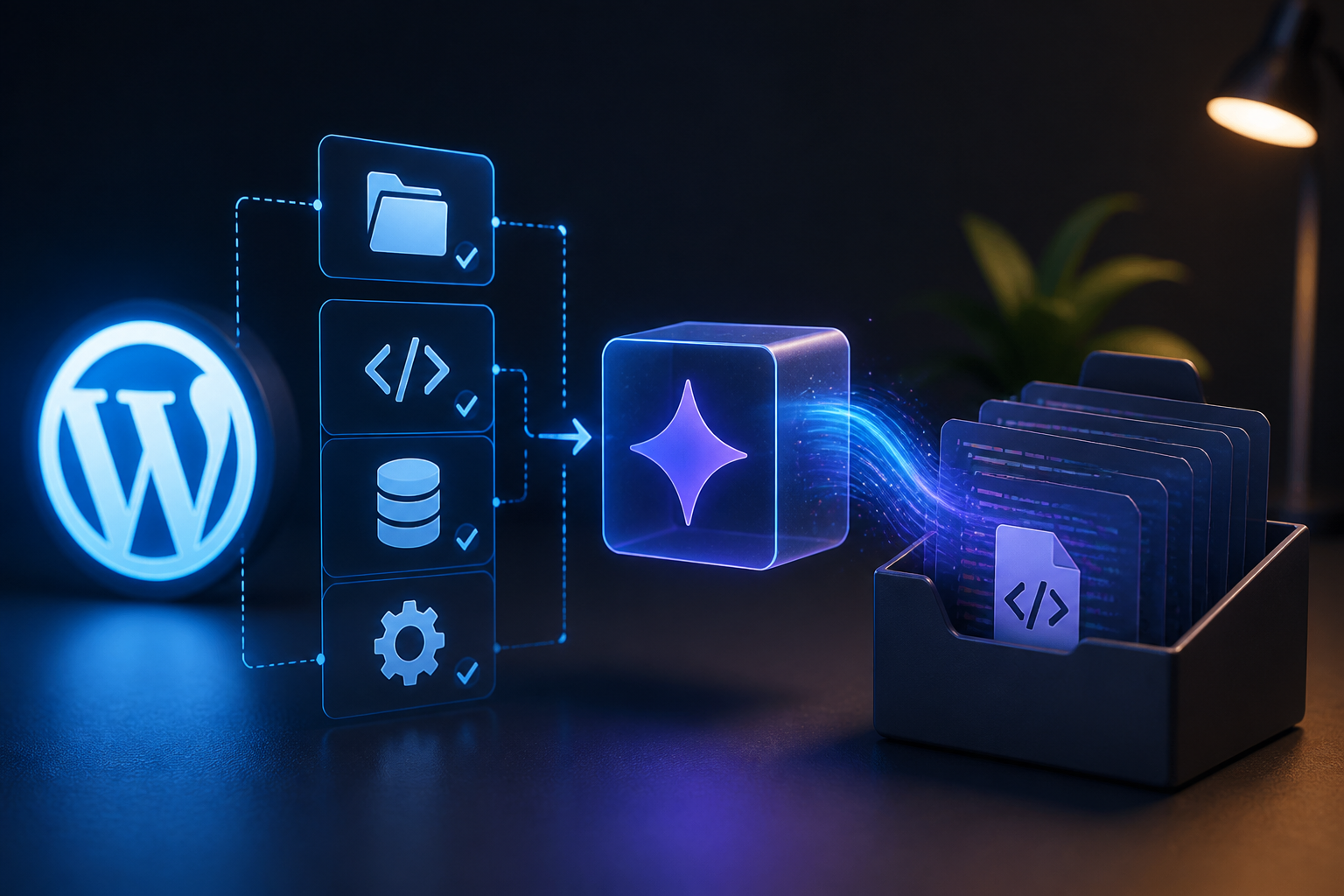
Building custom functionality for self-hosted content management systems often involves repetitive boilerplate coding, manual directory structuring, and meticulous hook wiring. As development teams seek faster ways to ship custom extensions, automated configuration interfaces have emerged to bridge the gap between human requirements and raw executable code. Utilizing a specialized wordpress plugin wizard—sometimes referred to broadly as a wordpress wizard—alongside advanced generative engines like Google Antigravity allows developers to scaffold, configure, and validate production-grade modules with speed. This guide examines how wizard-driven interfaces interact with modern developer tooling to automate the generation of robust WordPress plugins.
Executive Summary: Modern Plugin Generation
For engineering teams and site administrators looking to streamline development, combining guided setup workflows with large-scale code generation changes how extensions are built. Instead of manually creating file structures, defining activation hooks, and wiring database tables from scratch, a structured setup workflow gathers parameters, validates dependencies, and dispatches precise prompts to an AI engine.
| Development Method | Primary Advantage | Key Limitation | Best Suited For |
|---|---|---|---|
| Manual Coding | Complete control over every line of PHP, JS, and CSS. | High time investment for boilerplate setup. | Custom, highly specific enterprise core modules. |
| Standard Boilerplate Generators | Standardized folder and class naming conventions. | Lacks dynamic logic generation for complex business features. | Standard post-type or widget extensions. |
| AI-Driven Wizard Architecture | Rapid scaffolding of tailored logic, hooks, and UI components. | Requires rigorous human review and security auditing of generated code. | Rapid prototyping, feature expansion, and automated workflows. |
Understanding the WordPress Plugin Wizard Architecture
A wordpress plugin wizard functions as an interactive control panel designed to capture structural requirements, architectural patterns, and security constraints before generating code. In traditional software engineering, developers spend hours establishing plugin headers, text domains, activation routines, and uninstaller scripts. A wizard interface abstracts these repetitive requirements into structured form fields, multi-step configuration prompts, and declarative settings.
When integrated with external generation engines, the wizard translates user selections—such as custom post types, REST API endpoints, custom database tables, and administrative settings screens—into structured prompt payloads. This structured communication prevents the ambiguities often found in open-ended text prompts, ensuring that the resulting codebase adheres strictly to WordPress coding standards and security protocols.
For more insights on broader software evaluation frameworks, review the WordPress plugin builder software guide which details various platform capabilities and generation paradigms.
Core Components of a Generated Plugin
Every production-ready extension generated through a guided workflow must adhere to specific structural guidelines established by the core software. Understanding the individual structural components is essential for maintaining code integrity when evaluating how an automated system constructs an extension.
The Main Plugin File and Header
Every extension requires a standardized entry point. The primary PHP file must contain a specific comment header recognized by the core update checker. A wizard-generated header defines essential metadata such as the plugin name, URI, description, version, author, license, and text domain for internationalization.
<?php
/**
 * Plugin Name: Advanced Data Sync Wizard
 * Plugin URI: https://example.com/plugins/data-sync
 * Description: Automates enterprise data synchronization via custom REST endpoints.
 * Version: 1.0.0
 * Author: Engineering Team
 * License: GPLv2 or later
 * Text Domain: advanced-data-sync
 */

if ( ! defined( 'ABSPATH' ) ) {
    exit;
}
Activation and Deactivation Hooks
Managing the lifecycle of custom database tables or scheduled background events requires precise activation and deactivation hooks. A well-designed generation interface automatically incorporates database migration routines using dbDelta() and registers cleanup tasks to prevent database bloat upon uninstallation.
Leveraging Google Antigravity for Code Scaffolding
Integrating advanced generation engines into your local development stack transforms how features are deployed. Google Antigravity provides sophisticated parsing and multi-file code generation capabilities that make it well-suited for handling complex architectural demands. For a deep dive into setting up this environment, consult the technical walkthrough on building a WordPress plugin using Google Antigravity.
Does Antigravity Have Plugins?
Developers exploring this ecosystem often ask: does antigravity have plugins of its own? Because Google Antigravity is a generative engine rather than a modular content management platform, it does not support a traditional library of pre-built extensions. Instead, developers leverage its code-generation capacity to scaffold a custom antigravity plugin tailored specifically to their WordPress sites. Rather than installing third-party add-ons to extend the engine itself, you use its advanced processing to generate robust, production-ready WordPress code.
When configuring an automated generation pipeline, developers must establish clear system boundaries. The engine should not operate blindly; instead, it should receive strict constraints regarding PHP version compatibility, WordPress coding standards (PHPCS), and security best practices such as nonces, capability checks, and data sanitization.
Step-by-Step Implementation Guide
Implementing a wizard-driven generation workflow involves several sequential stages, moving from environment configuration to final deployment and testing.
Step 1: Defining Structural Requirements
Before launching the configuration interface, outline the exact specifications of the desired module. Determine whether the plugin requires:
- Custom Post Types (CPTs) or custom taxonomies
- Settings API pages with sub-menus and validated inputs
- Custom REST API endpoints for external webhook ingestion
- AJAX handlers for asynchronous dashboard interactions
- Background Action Scheduler or WP-Cron jobs
Step 2: Configuring the Wizard Interface
Input your parameters into the wizard dashboard. Specify the plugin slug, namespace, class prefixes, and required dependency checks (such as minimum PHP 8.1 and WordPress 6.4 requirements). The wizard compiles these inputs into a master JSON configuration file.
Step 3: Dispatching to the Generation Engine
The system sends the structured JSON payload to the processing backend integrated with the AI engine. The model processes the schema and returns a multi-file archive containing the main plugin file, class structures, admin views, and JavaScript assets.
Step 4: Local Sandboxing and Code Review
Never deploy generated code directly to a production environment. Extract the generated archive into a local staging environment running with WP_DEBUG enabled. Inspect the codebase for security vulnerabilities, ensure all inputs are sanitized via sanitize_text_field() or appropriate casting, and verify that all database queries utilize $wpdb->prepare().
Security Considerations and Best Practices
Automated code generation can introduce subtle security flaws if strict guardrails are not enforced. Reviewing security requirements ensures that generated extensions do not expose administrative interfaces to cross-site request forgery (CSRF) or SQL injection vulnerabilities.
Nonces and Authorization Checks
Every form submission, AJAX request, and REST endpoint must verify user capabilities and validate cryptographic nonces. A reliable generation wizard automatically injects permission checks such as current_user_can( 'manage_options' ) and nonce verification statements into generated controller classes.
Data Sanitization and Output Escaping
Never trust input; never untrust output. Generated code must implement strict input sanitization upon ingestion and contextual output escaping (such as esc_html(), esc_url(), or esc_attr()) upon rendering data in the administrative dashboard or front-end templates.
Performance and Scalability Implications
Introducing custom database tables, autoloaded options, and heavy background processes can impact overall site performance. When building plugins with automated wizards, keep these performance considerations in mind:
- Avoid autoloading large option arrays by using custom database tables for high-frequency transactional data.
- Optimize custom WP_Query loops by setting
no_found_rows => trueand disabling unnecessary term or meta caching when pagination is not required. - Offload heavy asynchronous tasks to queue runners rather than executing resource-intensive operations during the standard HTTP request lifecycle.
Troubleshooting Common Generation Errors
When working with automated plugin creation tools, developers frequently encounter specific runtime exceptions and configuration errors. Addressing these issues systematically ensures stable execution.
Fatal Error: Class Already Exists
This error typically occurs when namespace collisions happen between generated classes or when a file is included multiple times. Ensure that your wizard enforces unique namespace structures matching the plugin slug and utilizes PSR-4 autoloading or strict require_once guards.
REST API Endpoint Returning 403 Forbidden
If a custom REST route fails with a 403 status code, verify that the permission callback function properly evaluates user capabilities or validates the provided application password and nonce headers.
Frequently Asked Questions
Is WordPress outdated in 2026?
No, WordPress continues to power a significant percentage of the global web infrastructure. Its modular architecture, robust REST API, and vast ecosystem make it a primary target for modern headless integrations, AI-driven automation, and enterprise content management systems.
Can AI build WordPress plugins?
Yes, advanced generation engines and specialized developer tooling can generate functional plugin code, class structures, and administrative interfaces. However, human oversight remains critical to verify security, performance, and compliance with core coding standards.
Can I build a website using Google Antigravity?
While generation engines can scaffold code, create themes, and generate plugin modules, building a complete production website requires proper server provisioning, DNS configuration, database management, and ongoing security maintenance.
How to build your own WordPress plugin?
Building a custom extension involves defining your functional requirements, setting up a local development environment, writing the primary plugin file with proper headers, registering necessary action and filter hooks, testing database interactions, and deploying through a staging pipeline.
Conclusion
The integration of a wordpress plugin wizard with generative engines like Google Antigravity represents a major shift in how custom software is developed for content management platforms. By automating the tedious scaffolding process while maintaining strict adherence to security, performance, and coding standards, development teams can accelerate delivery cycles without sacrificing code quality. Always prioritize thorough security reviews, local sandboxing, and rigorous testing before introducing generated code into production environments.
