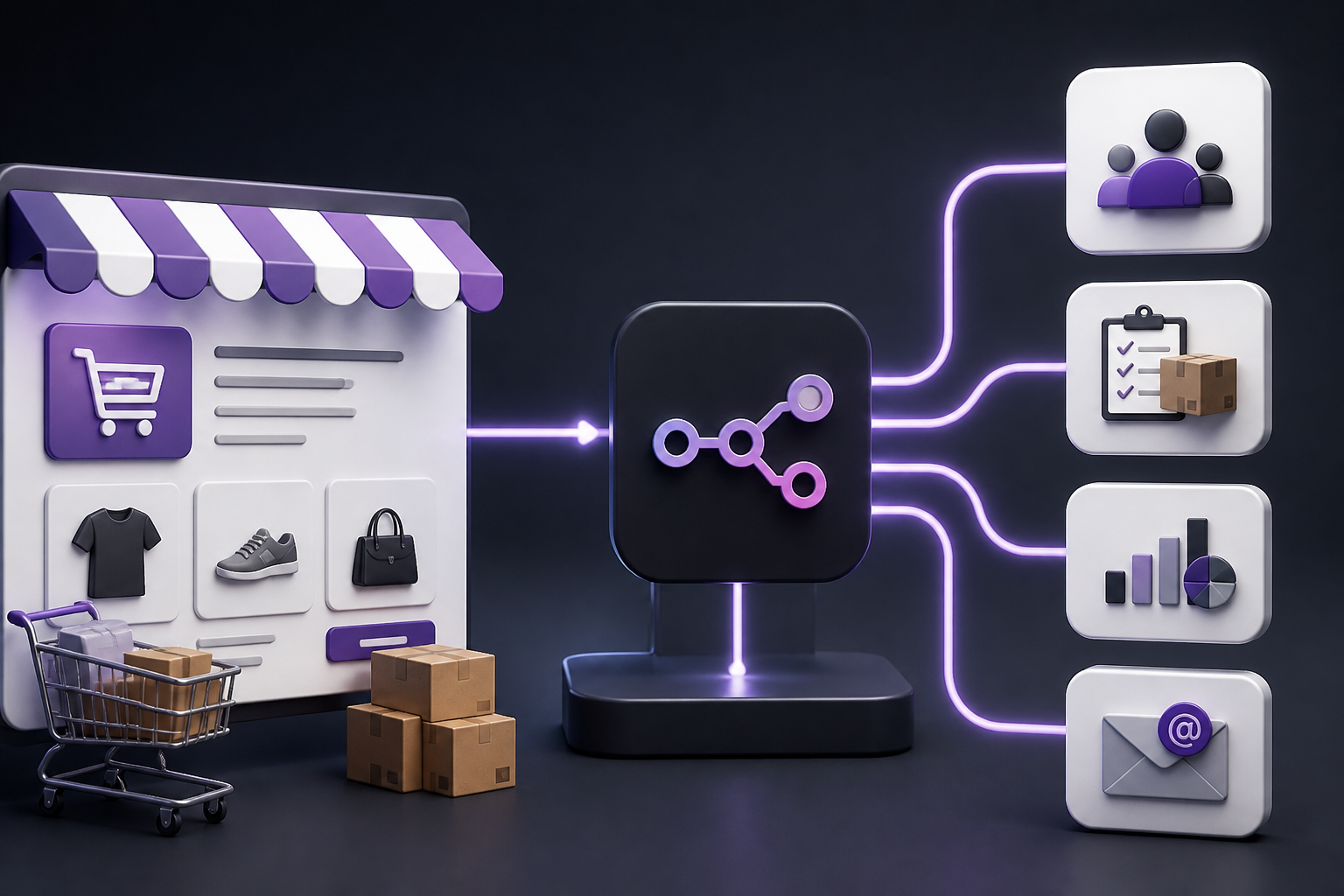
Running an online store involves a relentless wave of repetitive operational tasks. From synchronizing stock levels across multiple warehouses and issuing custom customer notifications to updating accounting ledgers and tagging buyers in external Customer Relationship Management platforms, manual intervention drains administrative hours and introduces human error. WooCommerce automation solves this operational bottleneck by establishing programmatic bridges between your WordPress e-commerce environment and external business applications.
Whether you manage a boutique digital store with a handful of products or a high-volume retail operation processing thousands of daily transactions, implementing structured automated workflows transforms how data moves through your infrastructure. This comprehensive guide explores the architectural principles, configuration mechanics, security considerations, and advanced implementation patterns required to build resilient e-commerce automation systems using native hooks, webhooks, REST APIs, and low-code workflow orchestration platforms like n8n.
What Is WooCommerce Automation?
WooCommerce automation refers to the practice of using software triggers, event listeners, and programmatic workflows to execute predefined actions within an online store without manual data entry or oversight. At its core, an automation system listens for specific events—such as order creation, payment completion, inventory depletion, or user registration—and instantly transmits structured data payloads to designated targets.
Unlike rigid, single-purpose plugins that lock store owners into closed ecosystems, modern WooCommerce automation leverages open protocols like webhooks and REST APIs. This architecture allows developers and automation architects to connect WordPress to virtually any cloud service, database, or enterprise resource planning tool. When configured correctly, automated workflows handle administrative overhead quietly in the background, ensuring that store data remains synchronized across every connected business application.
Why WooCommerce Automation Matters for Modern E-Commerce
The operational demands of modern digital retail require speed, accuracy, and scalability. Relying on manual data transfer between WooCommerce and external platforms creates severe friction points that impact customer satisfaction and internal productivity.
- Eliminating Data Silos: Automated pipelines ensure that customer details captured at checkout instantly populate your CRM, email marketing platform, and helpdesk ticketing system without manual exporting or importing.
- Accelerating Fulfillment: When orders are verified, automated triggers instantly notify third-party logistics providers, generate shipping labels, and update tracking numbers in the WordPress database.
- Minimizing Human Error: Manual data entry introduces typos in shipping addresses, SKU discrepancies, and missed customer follow-ups. Automated routines execute logic with absolute consistency.
- Enhancing Customer Experience: Instantaneous order confirmations, dynamic shipping updates, and personalized post-purchase communication foster trust and encourage repeat business.
Core Architecture of WooCommerce Automation
Building reliable automation pipelines requires a clear understanding of how WooCommerce communicates with external systems. E-commerce workflows typically rely on three primary architectural mechanisms: WordPress hooks, webhooks, and REST API calls.
1. WordPress Hooks (Actions and Filters)
Within the WordPress and WooCommerce codebase, action hooks and filters allow custom code or workflow platforms to intercept execution at precise moments. For example, the woocommerce_payment_complete action fires immediately when an order status transitions to paid. Developers can attach custom functions to this hook to execute internal business logic or dispatch data payloads outward.
2. Webhooks
Webhooks represent the gold standard for event-driven architecture in modern web applications. Instead of continuously polling your WooCommerce database to check for changes (which consumes unnecessary server resources), a webhook acts as an automated HTTP POST request dispatched from WooCommerce to a designated endpoint (such as an n8n webhook node) the moment a specific event occurs.
Configuring a webhook in WooCommerce is straightforward:
- Navigate to your WordPress dashboard and go to WooCommerce > Settings > Advanced > Webhooks.
- Click Add webhook.
- Provide a descriptive name, set the status to Active, and select the appropriate Topic (e.g., Order created or Product updated).
- Enter your target endpoint URL (provided by your workflow automation tool).
- Select the appropriate API version (typically API v3) and save the webhook. WooCommerce will automatically dispatch a test ping to verify connectivity.
3. REST API Integration
While webhooks handle outbound notifications triggered by store events, the WooCommerce REST API allows external systems to actively query, create, update, and delete store data. By generating Consumer Keys and Consumer Secrets within WooCommerce (under Settings > Advanced > REST API), external applications can securely perform bi-directional synchronization, such as updating inventory stock counts from an external ERP or fetching detailed customer purchase histories.
Essential WooCommerce Automation Use Cases
To extract maximum value from workflow automation, store administrators should focus on high-impact operational areas where manual intervention is slow and error-prone.
Order Processing and Fulfillment Orchestration
When an order is placed, manual fulfillment workflows require a staff member to review the order, log into a shipping provider’s portal, generate a label, and manually paste the tracking code back into WooCommerce. An automated fulfillment workflow streamlines this entire sequence:
- Trigger: WooCommerce order status changes to
processing. - Action 1: Workflow extracts customer shipping address and line items.
- Action 2: Workflow sends payload to shipping API (e.g., ShipStation or Shippo) to generate a shipping label.
- Action 3: Workflow captures the generated tracking number and updates the WooCommerce order via REST API.
- Action 4: Workflow triggers an automated email or SMS notification containing the tracking link.
Inventory Synchronization Across Channels
Selling products across multiple channels—such as an independent WooCommerce store, an Amazon storefront, and a physical point-of-sale terminal—creates severe inventory management challenges. If inventory stock levels are not synchronized in real time, overselling occurs frequently.
WooCommerce automation platforms can monitor inventory changes across all connected platforms. When a sale occurs on any channel, an automated workflow recalculates total available stock and updates WooCommerce instantly via API, preventing stock discrepancies and frustrating cancellations.
Customer Segmentation and CRM Sync
Basic email subscription plugins capture newsletter signups, but true e-commerce marketing requires behavioral segmentation based on purchasing history. Automated workflows can analyze order totals, purchased categories, and lifetime customer value, pushing structured profiles into advanced CRM platforms to trigger targeted email nurturing campaigns, VIP loyalty rewards, or win-back sequences for dormant buyers.
Implementing Automated Workflows with n8n
While traditional automation plugins run directly inside WordPress—often consuming PHP memory and slowing down database response times—offloading workflow logic to an external low-code orchestration tool like n8n preserves server performance. n8n allows users to visually design complex, multi-step workflows with advanced data transformation, conditional branching, and error handling.
Below is a conceptual architectural blueprint illustrating how n8n interacts with a WooCommerce environment:
[WooCommerce Store] --(Webhook POST)--> [n8n Webhook Node]
                                           |
                                           v
                                   [Data Transformation]
                                           |
       +-----------------------------------+-----------------------------------+
       |                                   |                                   |
       v                                   v                                   v
[CRM Platform (e.g., HubSpot)]    [Accounting (e.g., QuickBooks)]    [Fulfillment (e.g., Shipping API)]
In this architecture, WooCommerce acts as the event producer. Whenever an order is finalized, the webhook payload arrives at the n8n webhook node. From there, JavaScript code or built-in expression builders clean the data, split line items if necessary, and distribute payloads in parallel to your CRM, accounting software, and fulfillment service.
Common Pitfalls and Troubleshooting in WooCommerce Automation
Even well-designed automation systems encounter technical hurdles. Understanding common failure modes ensures rapid troubleshooting and robust system reliability.
1. Webhook Delivery Failures and Timeouts
If your WordPress hosting environment experiences high server load, outgoing webhooks may time out before reaching your automation platform. WooCommerce handles failed webhooks by incrementing a failure counter; after consecutive failures, the webhook is automatically disabled.
Troubleshooting: Ensure your server’s PHP execution timeout is adequately configured (e.g., 60 seconds or higher). Implement a queue worker if using high-volume background processing plugins, and regularly inspect the WooCommerce webhook logs under WooCommerce > Status > Logs.
2. Authentication and SSL Certificate Errors
When connecting external tools to your WooCommerce REST API, invalid SSL certificates or incorrect authentication keys will immediately block incoming and outgoing requests.
Troubleshooting: Always verify that your WordPress site enforces valid HTTPS certificates. When generating REST API credentials, ensure you copy both the Consumer Key and Consumer Secret correctly and assign appropriate Read/Write permissions.
3. Race Conditions in Inventory Management
When multiple high-volume transactions occur simultaneously, race conditions can occur where two separate workflows attempt to deduct stock from the same inventory pool at the exact same millisecond, resulting in inaccurate inventory counts.
Troubleshooting: Utilize database-level locking mechanisms or leverage WooCommerce’s native stock management features in conjunction with sequential queue processing in your automation platform to ensure inventory updates occur synchronously.
Security Considerations for E-Commerce Automation
Automating an online store involves transmitting sensitive customer personally identifiable information (PII) and financial transaction data across networks. Maintaining rigorous security standards is non-negotiable.
- Data Encryption in Transit: Ensure all webhooks and API calls utilize TLS 1.2 or TLS 1.3 encryption. Never transmit raw API keys over unencrypted HTTP connections.
- Webhook Signature Verification: Configure secret keys on your WooCommerce webhooks. Automation platforms like n8n can verify the HMAC-SHA256 signature included in the webhook header to confirm that incoming payloads genuinely originate from your WooCommerce store and have not been intercepted or forged.
- Principle of Least Privilege: When creating WooCommerce REST API keys, grant only the necessary permissions (e.g., Read/Write access restricted strictly to orders and customers, rather than administrator-level permissions).
- Logging and Audit Trails: Maintain secure logs of automated data transfers to monitor for unauthorized access attempts or unusual transaction patterns.
Performance and Scalability Optimization
As your store grows, poorly optimized automation can impact front-end user experience. If every checkout event triggers heavy synchronous PHP execution inside WordPress, page load times will increase, directly harming conversion rates.
To maintain peak performance:
- Offload heavy data processing to external workflow engines like n8n rather than executing complex loops within WordPress plugins.
- Utilize asynchronous background processing (such as Action Scheduler or WP-Cron) for internal WordPress tasks.
- Implement caching strategies for static store pages while ensuring dynamic cart and checkout endpoints bypass page caching correctly.
Frequently Asked Questions
What are the downsides of using WooCommerce?
While WooCommerce offers unmatched flexibility and ownership, its downsides include the responsibility for self-hosted maintenance, security updates, database optimization, and managing plugin compatibility issues as your store scales.
Does WooCommerce integrate with WordPress?
Yes. WooCommerce is built specifically as an open-source e-commerce plugin for WordPress, meaning it shares the same database structure, user management systems, and administrative dashboard.
Can WooCommerce handle 10,000 products?
Yes. WooCommerce can easily handle catalog sizes exceeding 10,000 products, provided your WordPress hosting environment utilizes adequate server resources, robust database indexing, and proper caching mechanisms.
Which one is better, Shopify or WooCommerce?
Shopify is a fully managed SaaS platform offering easier out-of-the-box setup with built-in hosting, whereas WooCommerce provides complete data ownership, unlimited customization flexibility, and lower long-term transaction overhead for technical store owners.
Conclusion
WooCommerce automation transforms a static online store into a dynamic, interconnected e-commerce ecosystem. By replacing manual administrative tasks with event-driven webhooks, REST API integrations, and robust workflow orchestration platforms, store owners can eliminate data silos, accelerate fulfillment, and scale operations efficiently. Whether you are synchronizing inventory, automating customer communication, or connecting disparate business tools, implementing structured automation workflows ensures your e-commerce infrastructure operates with precision, security, and resilience.
