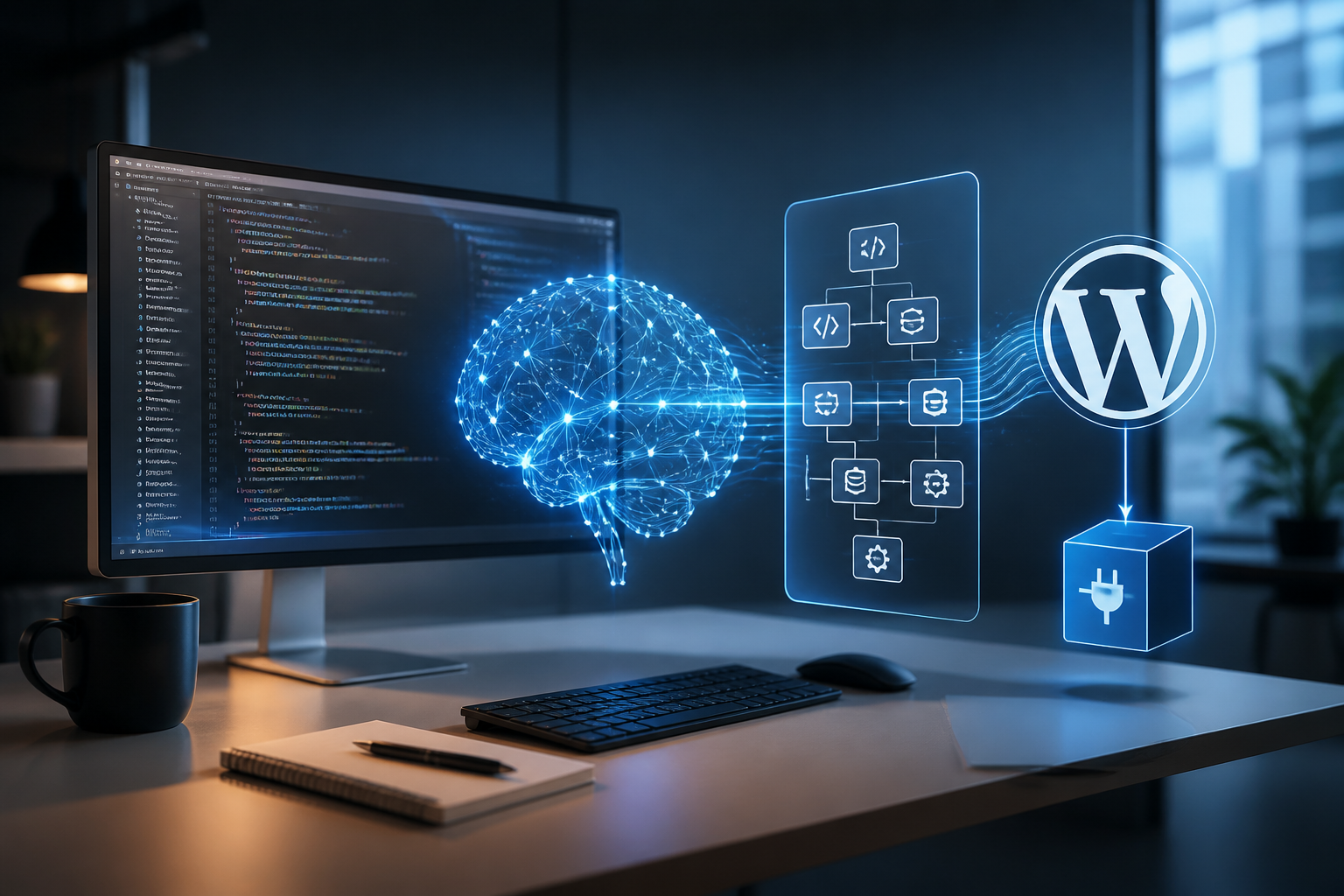
The landscape of WordPress extension development has undergone a dramatic shift. Historically, creating a custom extension required deep familiarity with procedural PHP, the WordPress Hook API, database table creation via dbDelta, and rigorous security management regarding nonces and capability checks. Today, a wordpress plugin builder can refer to anything from visual low-code environments to advanced AI-driven software development agents capable of writing, testing, and debugging production-grade PHP, JavaScript, and CSS from natural language prompts.
For system integrators, agency owners, and enterprise developers, choosing the right builder environment is no longer just about saving time on boilerplate code; it is about architectural maintainability, security compliance, and long-term upgrade safety. This guide explores the entire spectrum of plugin creation tools, evaluates modern AI agent platforms like Google Antigravity, and establishes clear criteria for selecting the optimal generation strategy for your technical workflow.
Quick Summary: Choosing the Right Plugin Builder Strategy
- Professional Developers & Agencies: Best off combining developer scaffolding tools (such as WP-CLI) with object-oriented AI coding environments to accelerate boilerplate generation while retaining full architectural oversight.
- Technical Founders & Prototypers: Can leverage multi-agent AI coding suites to write, dry-run, and iterate on complex business logic from structured prompts.
- Marketers & Non-Technical Admins: Best served by lightweight visual generators for simple administration tweaks, but should avoid them for core database or transactional logic.
The Evolution of WordPress Plugin Building
To understand the modern wordpress plugin builder category, we must examine how development practices have transformed over successive technological waves. Traditional plugin creation relied heavily on manual scaffolding, starter kits, and repetitive code generation scripts. Developers would manually construct directory structures, define activation hooks, and configure settings pages using the WordPress Settings API.
As the web ecosystem expanded, visual frameworks and framework generators emerged to accelerate development. However, these tools often produced rigid codebases that were difficult to refactor when business logic evolved. The introduction of autonomous AI coding agents and specialized developer platforms has redefined this paradigm. Rather than merely filling in form fields, modern builders leverage large language models and multi-agent systems to translate high-level product requirements into fully realized, hook-compliant software packages.
Understanding these shifts requires examining the core layers that make up any robust plugin architecture:
- Scaffolding & Boilerplate: The foundational file structure, namespace definitions, and autoloader configurations.
- Hook Registry: The registration of actions and filters that interface with the WordPress core execution loop.
- Data Persistence Layer: Custom post types, taxonomies, custom database tables, and options management.
- User Interface & Assets: Admin dashboards, Gutenberg blocks, REST API endpoints, and front-end scripts.
- Security & Validation: Nonce verification, capability checks, input sanitization, and output escaping.
Software Categories in the Plugin Builder Ecosystem
The modern market for building WordPress extensions spans several distinct software categories. Each approach serves different technical skill sets, project timelines, and architectural constraints.
We evaluate these categories based on four core criteria: architectural flexibility, development speed, security overhead, and target skill level.
| Builder Category | Primary Mechanism | Target Audience | Key Advantage | Primary Limitation |
|---|---|---|---|---|
| Visual / No-Code Generators | Form-based UI configuration and drag-and-drop elements | Marketers, novice site administrators | Instant execution without coding knowledge | Extremely rigid; struggles with custom logic |
| Developer Scaffolding Tools | CLI-based templates, boilerplate generators (e.g., Yeoman, WP-CLI) | Professional PHP developers | Standardized directory structures and best practices | Does not write custom business logic automatically |
| AI Coding Agents & CLI Suites | Natural language prompts, multi-file generation, iterative debugging | Full-stack developers, technical founders | Rapid prototyping and complex feature synthesis | Requires manual code review and security audits |
| Workflow-Driven Automation Platforms | Visual node connections bridging external APIs and WordPress | Automation engineers, operations teams | Seamless third-party data synchronization | Not suitable for complex internal core extensions |
Visual No-Code Generators vs. AI-Assisted Builders
Visual generators have long promised the ability to create plugins without writing a line of code. These tools typically allow users to select pre-built modules—such as contact forms, simple calculators, or custom post type displays—and export a packaged zip file. While effective for simple utility tasks, they break down immediately when confronted with complex business requirements, such as custom transactional workflows or intricate third-party API rate-limiting.
Conversely, an AI-powered wordpress plugin builder operates at the code level, generating native PHP, JavaScript, and CSS. This provides unlimited architectural flexibility while drastically reducing the time required to write standard procedural loops, database queries, and REST API controllers.
Leveraging Google Antigravity for Plugin Development
One of the most powerful advancements in automated software creation is the utilization of specialized AI development environments like Google Antigravity. When building custom extensions, developers frequently encounter tedious administrative hurdles that slow down product delivery. Utilizing an advanced developer platform allows technical teams to delegate multi-file architectural scaffolding directly to an autonomous agent while retaining strict oversight over core logic.
For a detailed technical walkthrough of setting up these environments, you can consult our specialized technical guide on building a WordPress plugin using Google Antigravity. This resource outlines the exact command-line configurations, workspace setups, and context-prompting strategies required to generate production-ready code structures.
When utilizing advanced AI tools for plugin engineering, the workflow typically follows a structured progression:
- Requirements Definition: Establishing the exact scope, database schema requirements, and WordPress hooks needed for the extension.
- Context Initialization: Feeding the AI agent the necessary WordPress coding standards, PHP version constraints, and relevant API documentation.
- Iterative Generation: Requesting the primary plugin file, class structures, admin menu pages, and AJAX handlers in sequential modules.
- Automated Refactoring & Testing: Reviewing generated code for security vulnerabilities, memory leaks, and hook execution order.
Core Architectural Requirements for Custom WordPress Plugins
Regardless of whether a plugin is coded by hand or produced via a modern wordpress plugin builder, it must adhere to strict software architecture principles to ensure site stability and performance.
1. Object-Oriented Architecture and Namespacing
Modern plugins should avoid procedural spaghetti code residing in a single monolithic file. Using PHP namespaces and class-based architecture prevents naming collisions with other plugins or the active theme. A well-structured plugin isolates functionality into dedicated controllers, service classes, and data repositories.
<?php
/**
 * Plugin Name: Advanced Enterprise Extension
 * Description: A modular custom plugin built for high-performance operations.
 * Version: 1.0.0
 * Author: Enterprise Engineering
 * Namespace: AdvancedWorkflows\\EnterprisePlugin
 */

namespace AdvancedWorkflows\\EnterprisePlugin;

if ( ! defined( 'ABSPATH' ) ) {
    exit;
}

final class Plugin_Bootstrap {

    private static ?Plugin_Bootstrap $instance = null;

    public static function get_instance(): Plugin_Bootstrap {
        if ( null === self::$instance ) {
            self::$instance = new self();
        }
        return self::$instance;
    }

    private function __construct() {
        $this->init_hooks();
    }

    private function init_hooks(): void {
        add_action( 'init', [ $this, 'register_custom_taxonomies' ] );
    }

    public function register_custom_taxonomies(): void {
        // Taxonomy registration logic goes here.
    }
}

add_action( 'plugins_loaded', [ Plugin_Bootstrap::class, 'get_instance' ] );
2. Database Security and Data Sanitization
A primary failure mode of automated code generation is the oversight of security hygiene. Any reliable plugin builder—human or machine—must ensure that all incoming data is rigorously sanitized and validated, and all outgoing data is escaped. Furthermore, database queries must utilize the WordPress $wpdb prepare method to prevent SQL injection vulnerabilities.
Consider the following secure query implementation:
global $wpdb;

$table_name = $wpdb->prefix . 'enterprise_logs';
$safe_status = sanitize_text_field( $_POST['status'] );

$results = $wpdb->get_results(
    $wpdb->prepare(
        "SELECT * FROM {$table_name} WHERE status = %s",
        $safe_status
    )
);
Evaluating Alternative Methodologies and Builder Software
When selecting a plugin building strategy, technical leaders must evaluate various methodologies based on project complexity, maintenance overhead, and team expertise. Below is a detailed breakdown of alternative approaches.
Methodology A: Traditional Manual Coding with WP-CLI
Manual development utilizing WordPress Developer Resources combined with WP-CLI scaffolding remains the gold standard for mission-critical core plugins. Developers retain absolute control over every line of execution, memory allocation, and database transaction.
- Pros: Zero unnecessary code bloat, exact adherence to bespoke enterprise requirements, full debugging transparency.
- Cons: High time investment for initial scaffolding, repetitive boilerplate writing, dependent entirely on internal developer bandwidth.
Methodology B: AI-Driven Agentic Generation
Utilizing advanced AI coding frameworks allows teams to rapidly prototype entire plugin suites in a fraction of the traditional timeline. Platforms integrating with Google DeepMind research initiatives or specialized developer suites can synthesize complex class hierarchies from detailed natural language architectural documents.
- Pros: Drastically accelerated time-to-market, instant generation of comprehensive unit test suites, rapid refactoring capabilities.
- Cons: Potential introduction of subtle logic bugs or deprecated WordPress hooks; requires skilled senior engineers to perform rigorous code reviews.
Methodology C: Low-Code Visual Extension Builders
Visual tools allow non-technical operators to construct lightweight extensions via graphical user interfaces. These platforms are optimal for minor administrative tweaks, custom notification triggers, or basic UI modifications.
- Pros: Accessible to junior staff and marketers, rapid deployment of standard utilities.
- Cons: Vendor lock-in, limited scalability, severe security risks if the underlying generator fails to sanitize inputs properly.
Security Considerations in Automated Plugin Generation
Automated code generation introduces unique security challenges. Because AI models and rapid prototyping tools focus primarily on functional correctness (making the code run without errors), they may occasionally overlook contextual security requirements native to the WordPress ecosystem.
When reviewing code produced by any wordpress plugin builder, engineering teams must verify the following security checkpoints:
- Nonce Verification: Ensure every AJAX request and form submission includes a valid cryptographic nonce check using
check_ajax_referer()orwp_verify_nonce(). - Capability Checks: Verify that administrative actions enforce strict user role capabilities using
current_user_can(). Never rely solely on user authentication (is_user_logged_in()). - Strict Sanitization: Audit all superglobal inputs (
$_GET,$_POST,$_REQUEST) against appropriate sanitization functions such assanitize_text_field(),absint(), orwp_kses_post(). - Contextual Escaping: Ensure data rendered in the browser is properly escaped using
esc_html(),esc_attr(), oresc_url().
For broader web security principles and search compliance, developers often reference documentation provided by Google Search Central regarding secure web practices and reliable server infrastructure.
Performance and Scalability Optimization
Plugins generated by rapid tools or AI agents can sometimes suffer from performance inefficiencies, such as unindexed database queries, autoloaded option bloat, or excessive memory consumption during admin hooks.
To ensure high-performance execution on high-traffic WordPress installations, observe these optimization rules:
- Transient Caching: Store expensive API responses or complex database query results in the WordPress Transient API with appropriate expiration times.
- Conditional Asset Loading: Enqueue CSS and JavaScript stylesheets exclusively on the specific admin screens or frontend pages where the plugin functionality is active, preventing global resource bloat.
- Database Indexing: When creating custom database tables via a plugin builder, ensure foreign keys and frequently queried columns are indexed appropriately using
KEYdefinitions indbDelta.
Frequently Asked Questions
What is the best AI for WordPress?
The ideal AI platform depends entirely on your specific workflow requirements. Large multimodal models integrated into specialized coding assistants excel at generating complex PHP classes and debugging hooks, while workflow automation tools handle data synchronization between WordPress and external SaaS applications.
Can I use Google Antigravity to create a website?
Google Antigravity is primarily designed as an advanced developer platform and multi-agent software engineering suite rather than a traditional visual website builder. It can be used to generate custom themes, plugins, and full-stack web applications through natural language instructions and iterative coding workflows.
Is there an AI plugin for WordPress?
Yes, numerous plugins exist that integrate AI text generation, image creation, and automated content publishing directly into the WordPress dashboard. However, building a custom plugin using an AI developer tool allows you to create proprietary business logic tailored specifically to your enterprise infrastructure.
Can Google Antigravity build a website?
While Antigravity is not a drag-and-drop site builder, it can construct the underlying code, database schemas, and functional components required to run a fully customized WordPress website or web application when provided with precise architectural prompts.
Conclusion
The emergence of the modern wordpress plugin builder ecosystem—spanning visual platforms, CLI scaffolding tools, and advanced AI-driven generation agents—has fundamentally transformed how digital extensions are conceived and deployed. While tools like Google Antigravity and automated coding suites dramatically accelerate the generation of complex PHP classes, database schemas, and administrative interfaces, they do not replace the need for rigorous architectural oversight, security audits, and performance optimization.
By establishing strict code review protocols, enforcing native WordPress security standards, and selecting the generation methodology that aligns with your technical capabilities, your organization can successfully harness automated building tools to create secure, high-performance extensions at scale.
