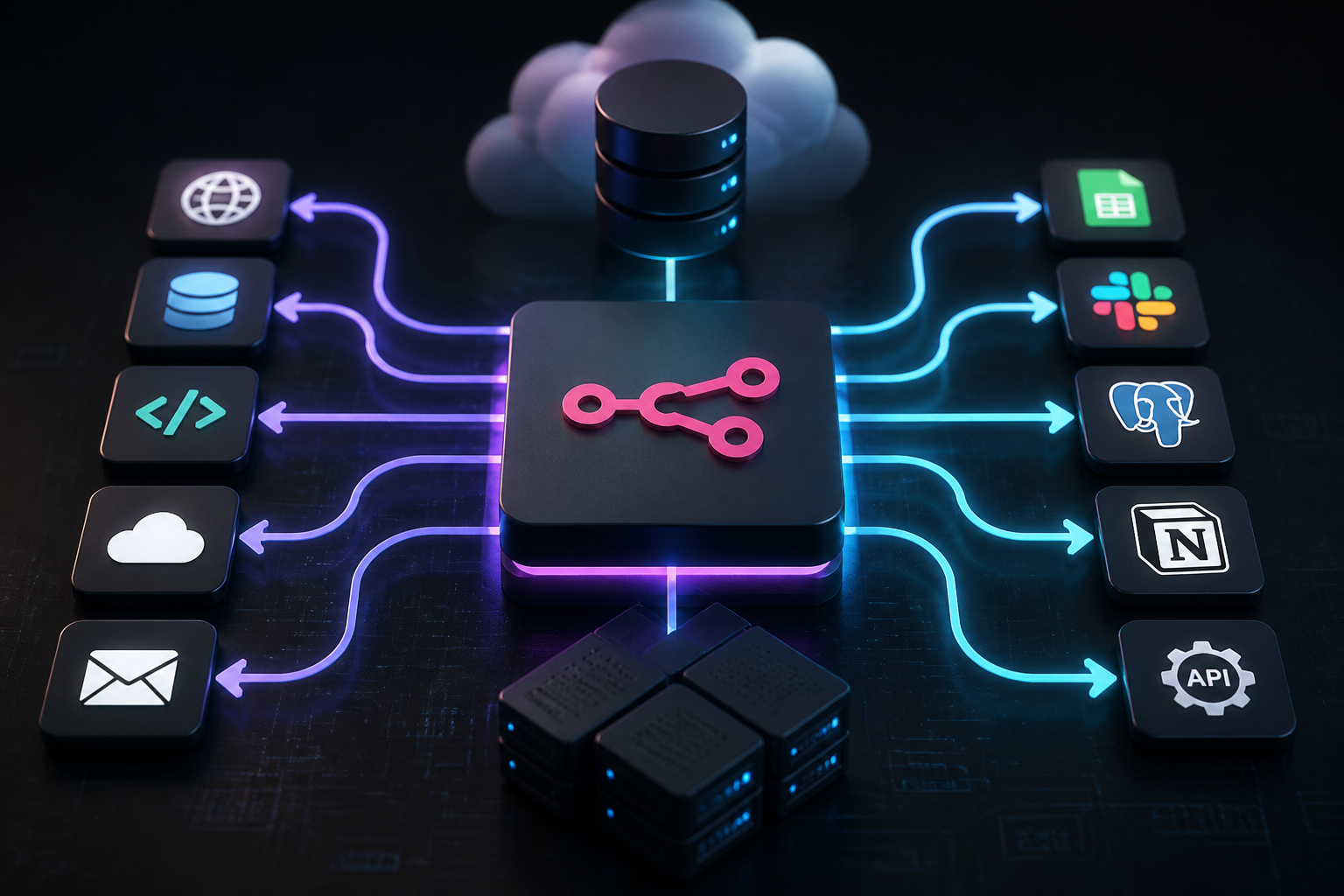
As digital ecosystems grow increasingly fragmented, organizations require robust, flexible integration layers to synchronize data across disparate applications. Traditional cloud-based iPaaS solutions often enforce steep per-execution pricing models that penalize high-volume data transfers. In contrast, open-source and self-hosted orchestration tools offer engineering teams unrestricted execution volume, absolute data privacy control, and granular infrastructure customization. This comprehensive n8n automation course curriculum provides a rigorous, technical exploration of designing, deploying, and scaling node-based workflows in production environments.
Whether you are replacing brittle custom scripts with a reliable visual orchestration engine or scaling an enterprise-grade AI agent framework, mastering n8n Official Website principles transforms how backend systems communicate. Throughout this curriculum, we will examine core architectural paradigms, secure deployment topologies, memory management, error handling strategies, and advanced webhook management. Let us examine what n8n automation entails and how engineering teams construct resilient pipelines.
Executive Summary & Quick Overview
An n8n automation course provides structured instruction on building, testing, and maintaining node-based integration workflows using the n8n platform. Unlike traditional point-to-point webhook scripts, n8n utilizes a visual node graph backed by a powerful JSON data structure, allowing developers to execute JavaScript/TypeScript transforms, conditional branching, and complex looping logic natively within each step.
| Feature / Metric | Cloud iPaaS Solutions | Self-Hosted n8n Instance |
|---|---|---|
| Execution Pricing | Tiered per-task billing model | Fixed infrastructure cost (unlimited runs) |
| Data Privacy | Third-party cloud storage & processing | Local infrastructure retention (GDPR/HIPAA ready) |
| Custom Code Execution | Restricted sandboxed snippets | Native Node.js environment with npm packages |
| Maintenance Overhead | Managed vendor updates | Self-managed container updates and backups |
For organizations managing heavy transaction volumes, proprietary client data, or complex AI-driven workflows, self-hosted orchestration provides unmatched flexibility. Reviewing our n8n Automation Course: Complete Technical Curriculum & Architecture Masterclass helps contextualize how foundational concepts scale into production environments.
Foundational Architecture of n8n Workflows
Understanding how n8n processes data requires examining its underlying execution engine. At its core, n8n operates as a node-based workflow automation platform where every distinct operation—such as fetching a REST API, parsing JSON, or writing to a database—is encapsulated within a specific node. Data flows between these nodes as structured JSON items grouped into execution passes.
Every node execution generates an output array. When a node receives multiple items from an upstream node, it typically processes them iteratively or in batch depending on its configuration. This item-list paradigm distinguishes n8n from traditional sequential scripting tools, making it exceptionally powerful for bulk data transformation.
The Execution Lifecycle
When an n8n workflow triggers—via webhook, cron schedule, manual invocation, or event listener—the main server instance instantiates an execution context. This lifecycle follows several discrete phases:
- Trigger Intake: The webhook receiver or polling mechanism captures incoming payload data and normalizes it into n8n’s standard JSON item structure.
- Queue Enqueuing (Queue Mode): In production scaling configurations utilizing Redis, the workflow execution payload is placed into a queue for worker nodes to pull.
- Node Resolution: Worker processes evaluate node dependencies, executing JavaScript expressions, resolving environmental variables, and dispatching external HTTP requests.
- State Persistence: Execution history, binary files, and node input/output states are written to the database (typically PostgreSQL or SQLite) for auditing and debugging.
For developers evaluating alternative workflow automation tools, exploring structured comparisons like the Workflow Automation Tools List: 10 Best Platforms Compared (2026) provides clarity on when to choose self-hosted engines over SaaS alternatives.
Self-Hosted Infrastructure and Deployment Topologies
Deploying n8n in a production environment requires careful consideration of infrastructure topology, resource allocation, and persistent storage. While running n8n via a simple Docker command is sufficient for local development, production deployments demand high availability, secure database backends, and isolated worker scaling.
Docker Compose Production Configuration
The standard recommendation for enterprise self-hosting involves deploying n8n in Queue Mode using Docker Compose, separating the main web UI/webhook handler from dedicated worker containers backed by Redis and PostgreSQL.
version: "3.8"

services:
  postgres:
    image: postgres:15-alpine
    restart: always
    environment:
      POSTGRES_DB: n8n
      POSTGRES_USER: n8n_user
      POSTGRES_PASSWORD: secure_database_password
    volumes:
      - postgres_storage:/var/lib/postgresql/data
    healthcheck:
      test: ["CMD-SHELL", "pg_isready -U n8n_user -d n8n"]
      interval: 5s
      timeout: 5s
      retries: 5

  redis:
    image: redis:7-alpine
    restart: always
    volumes:
      - redis_storage:/data

  n8n:
    image: n8nio/n8n:latest
    restart: always
    environment:
      - DB_TYPE=postgresdb
      - DB_POSTGRESDB_HOST=postgres
      - DB_POSTGRESDB_PORT=5432
      - DB_POSTGRESDB_DATABASE=n8n
      - DB_POSTGRESDB_USER=n8n_user
      - DB_POSTGRESDB_PASSWORD=secure_database_password
      - EXECUTIONS_MODE=queue
      - QUEUE_BULL_REDIS_HOST=redis
      - N8N_ENCRYPTION_KEY=your_secure_32_character_encryption_key
      - WEBHOOK_URL=https://n8n.yourdomain.com/
    ports:
      - "5678:5678"
    depends:
      - postgres
      - redis

volumes:
  postgres_storage:
  redis_storage:
In this queue-mode architecture, the primary n8n container handles incoming webhook registrations and administrative UI interactions, while unburdened worker containers execute heavy workflow tasks concurrently. For official technical references on container environment variables and configuration flags, consult the n8n Documentation.
Data Transformation and JavaScript Execution in n8n
One of the primary advantages of n8n over restrictive visual builders is the ability to write native JavaScript or TypeScript inside the Code Node. When standard node parameters are insufficient to manipulate nested JSON arrays, sanitize strings, or format payloads for external APIs, developers can leverage full JavaScript engines.
Accessing data inside an n8n Code Node requires understanding the global $input object. Every item entering the node is accessible via $input.all(). Below is a production-grade code snippet demonstrating how to aggregate and normalize incoming e-commerce order items:
// Iterate through all incoming items from the previous node
const items = $input.all();
const aggregatedOrders = [];

for (const item of items) {
  const orderData = item.json;

  // Perform data sanitization and calculation
  const subtotal = orderData.items.reduce((acc, curr) => acc + (curr.price * curr.quantity), 0);
  const taxRate = orderData.customer.country === 'US' ? 0.08 : 0.00;
  const totalAmount = subtotal * (1 + taxRate);

  aggregatedOrders.push({
    json: {
      orderId: orderData.id,
      customerEmail: orderData.customer.email.toLowerCase().trim(),
      itemCount: orderData.items.length,
      calculatedSubtotal: parseFloat(subtotal.toFixed(2)),
      calculatedTotal: parseFloat(totalAmount.toFixed(2)),
      processedAt: new Date().toISOString()
    }
  });
}

return aggregatedOrders;
This capability allows developers to bridge complex data schemas seamlessly without deploying external microservices just for data transformation.
Advanced Error Handling and Resilience Strategies
In production enterprise automation, network timeouts, rate limits, and transient API failures are inevitable. Designing resilient workflows requires implementing structured error-handling mechanisms rather than relying on default failure terminations.
Error Trigger Workflows and Try-Catch Patterns
n8n provides two primary methods for managing workflow errors:
- Error Workflow Attachment: A global setting that designates a secondary workflow to execute whenever any node in the primary workflow fails. This secondary workflow captures the failing node name, execution ID, and error message for logging or alerting.
- Node-Level Continue on Fail: Configuring individual nodes to suppress fatal exceptions and instead output an error object, allowing downstream conditional nodes to handle retries or fallback routines.
Implementing exponential backoff retry logic using the built-in node settings prevents API throttling errors when interacting with sensitive third-party endpoints.
Integrating n8n with WordPress and WooCommerce
For digital publishers and e-commerce operators, connecting n8n directly to WordPress and WooCommerce eliminates manual content publishing overhead and streamlines customer management workflows. By leveraging WordPress REST APIs and webhook hooks, automated pipelines can synchronize inventory, trigger fulfillment alerts, and generate optimized content.
To deepen your understanding of connecting headless publishing architectures, explore our guide on How to Automate n8n WordPress Post Creation & Publishing (Complete Guide). When establishing secure administrative connections between n8n and WordPress endpoints, developers should utilize Application Passwords or OAuth2 authentication tokens rather than storing raw administrator credentials.
Furthermore, e-commerce workflows benefit greatly from specialized orchestration strategies outlined in the WooCommerce Automation Guide: Streamline E-Commerce Workflows. Automated inventory adjustments, abandoned cart recovery notifications, and CRM synchronization become trivial when orchestrated through self-hosted webhooks.
AI Agents and LLM Orchestration within n8n
Modern workflow automation extends far beyond simple deterministic if-then logic. With the integration of advanced Large Language Models (LLMs) and vector databases, n8n functions as an effective orchestration layer for autonomous AI agents.
Using n8n’s advanced AI node groupings, developers can construct retrieval-augmented generation (RAG) pipelines, connect custom tool-calling agents, and interface with leading AI models such as OpenAI GPT architectures, Anthropic Claude, or open-weight models hosted via platforms like Hugging Face Model Hub. These workflows enable automated data extraction, sentiment analysis for customer support tickets, and autonomous business intelligence reporting without requiring complex custom Python microservices.
Frequently Asked Questions
What is an n8n automation course and who is it for?
An n8n automation course is a structured learning path designed for developers, system administrators, and business operations professionals who want to master visual workflow orchestration, self-hosted deployment, API integration, and custom JavaScript transformations using the n8n platform.
Is n8n completely free to use?
n8n offers a source-available fair-code license (Sustainable Use License) for self-hosting, which allows organizations to run the platform for internal use without paying execution fees. However, commercial embedding or offering n8n as a paid managed service requires a commercial license from the vendor.
How does n8n handle high-volume data processing?
For high-volume production workloads, n8n supports queue mode utilizing Redis and PostgreSQL. This setup offloads execution tasks to scalable worker containers, allowing organizations to process millions of webhook events concurrently without UI degradation.
Can n8n connect to local databases behind a firewall?
Yes. Because n8n can be self-hosted on your own private infrastructure or internal corporate network, it can securely connect to local SQL databases, internal microservices, and internal APIs without exposing them to the public internet.
Conclusion
Mastering self-hosted workflow automation represents a strategic shift for technical teams seeking independence from restrictive SaaS pricing models and rigid data governance policies. Throughout this n8n automation course curriculum, we have explored the foundational architecture of node-based execution, containerized deployment best practices in queue mode, advanced JavaScript data manipulation, resilient error handling, and modern AI agent orchestration. By combining the flexibility of open-source tooling with rigorous engineering standards, organizations can build scalable, secure, and infinitely adaptable digital workflows tailored precisely to their operational requirements.
